

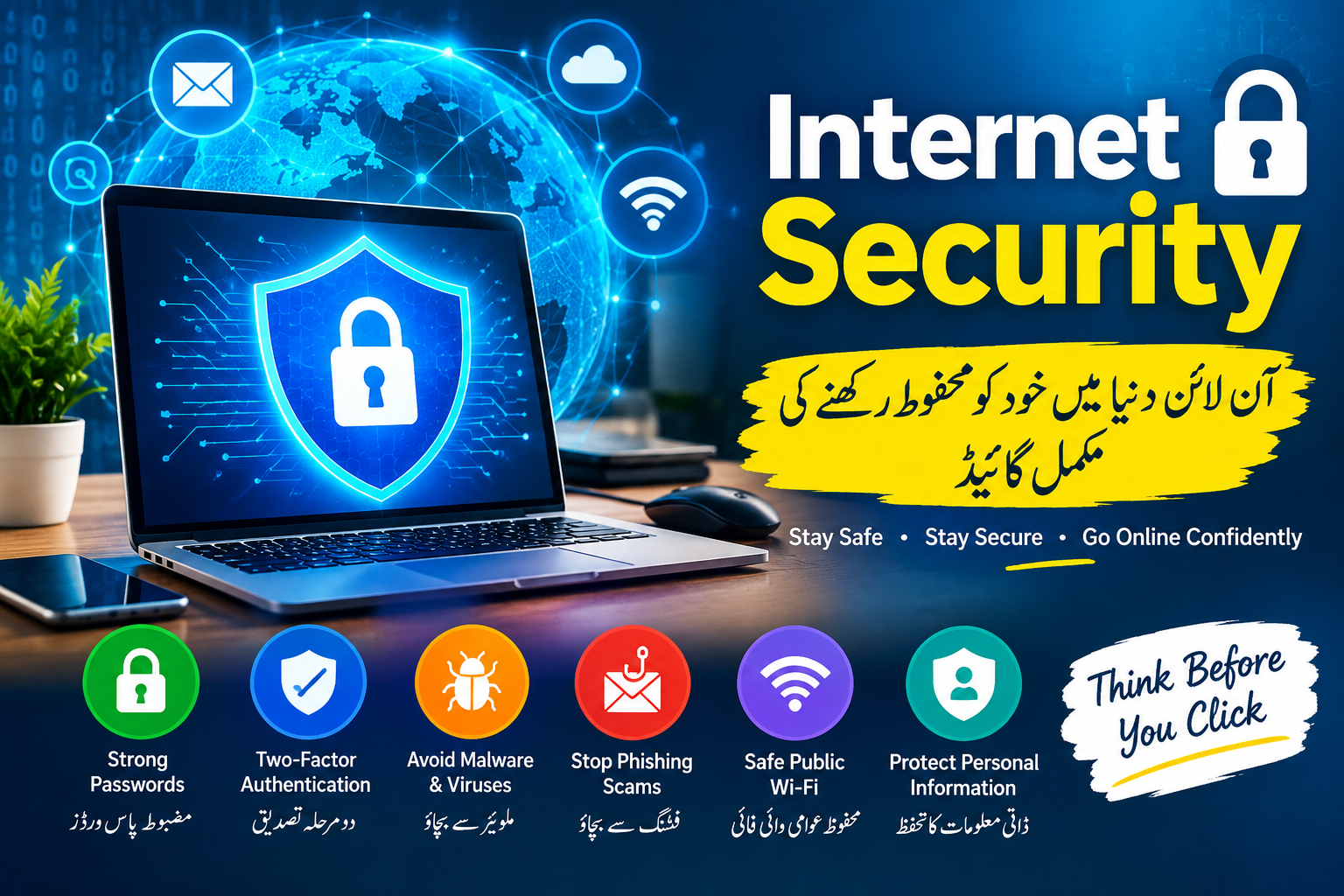
Internet Security کیا ہے؟ Online Safety اور Cyber Security کی مکمل گائیڈ
Internet Security: آن لائن دنیا میں خود کو محفوظ رکھنے کی مکمل گائیڈ
آج کے Digital دور میں Internet ہماری روزمرہ زندگی کا اہم حصہ بن چکا ہے۔ Online Banking، Shopping، Social Media، Email، Freelancing اور مختلف Apps کے ذریعے ہم اپنی بہت سی personal information internet پر استعمال کرتے ہیں۔ لیکن جہاں Internet نے زندگی آسان بنائی ہے، وہیں Cyber Threats، Online Scams، Phishing، Malware اور Data Theft جیسے خطرات بھی بڑھ گئے ہیں۔
اسی لیے Internet Security کو سمجھنا ہر internet user کے لیے ضروری ہے۔ اچھی online security habits اپنا کر آپ اپنے accounts، passwords، personal data اور financial information کو زیادہ محفوظ رکھ سکتے ہیں۔
Internet Security کیا ہے؟
Internet Security سے مراد وہ طریقے، technologies اور security practices ہیں جو internet استعمال کرتے ہوئے devices، accounts اور personal information کو unauthorized access، fraud اور cyber attacks سے محفوظ رکھنے میں مدد دیتے ہیں۔
سادہ الفاظ میں، Internet Security کا مقصد آپ کی online identity اور data کو محفوظ رکھنا ہے۔
Internet پر عام Security Threats
1. Phishing Attacks
Phishing ایک عام online scam ہے جس میں fraudsters fake emails، messages یا websites کے ذریعے لوگوں سے passwords، banking information یا دیگر sensitive details حاصل کرنے کی کوشش کرتے ہیں۔
مثلاً آپ کو ایسا message موصول ہو سکتا ہے جس میں لکھا ہو کہ آپ کا account بند ہونے والا ہے اور فوراً ایک link پر click کریں۔ ایسے links کو verify کیے بغیر open نہیں کرنا چاہیے۔
2. Weak Passwords
ایک آسان password cyber criminals کے لیے خطرہ بن سکتا ہے۔ اپنے accounts کے لیے strong and unique passwords استعمال کریں۔
بہتر ہے کہ password میں letters، numbers اور special characters شامل ہوں اور مختلف accounts کے لیے ایک ہی password استعمال نہ کیا جائے۔
3. Malware اور Viruses
Malware malicious software کو کہا جاتا ہے جو device یا data کو نقصان پہنچا سکتا ہے۔ Unknown websites، suspicious attachments اور غیر معتبر software downloads malware کے خطرے کو بڑھا سکتے ہیں۔
4. Public Wi-Fi Risks
Free Public Wi-Fi بہت convenient ہوتا ہے، لیکن ہر public network equally secure نہیں ہوتا۔ Public Wi-Fi استعمال کرتے وقت sensitive activities، خصوصاً financial transactions، کے بارے میں احتیاط کریں۔
Internet Security کے لیے اہم Tips
Strong Password استعمال کریں
ہر اہم account کے لیے unique password رکھیں۔ Password manager بھی passwords کو محفوظ طریقے سے manage کرنے میں مدد دے سکتا ہے۔
Two-Factor Authentication آن کریں
2FA یا Two-Factor Authentication account security کی ایک اضافی layer فراہم کرتا ہے۔ اگر password کسی طرح compromise بھی ہو جائے تو دوسرا verification step account کو مزید محفوظ بنانے میں مدد دے سکتا ہے۔
Software اور Apps Update رکھیں
اپنے smartphone، computer، browser اور applications کو regularly update کریں۔ Updates میں اکثر security improvements اور vulnerability fixes شامل ہوتے ہیں۔
Suspicious Links سے بچیں
کسی unknown email یا message میں موجود link پر فوراً click نہ کریں۔ Sender، website address اور message کی authenticity check کریں۔
Secure Websites استعمال کریں
Online shopping یا دوسری sensitive activities کے لیے trusted websites استعمال کریں اور website address کو carefully check کریں۔ صرف website پر lock icon دیکھ کر مکمل trust نہ کریں؛ domain name بھی verify کریں۔
Personal Information Share کرنے میں احتیاط کریں
اپنا CNIC number، banking information، passwords، OTP codes اور دوسری sensitive information غیر ضروری طور پر کسی کے ساتھ share نہ کریں۔
خاص طور پر یاد رکھیں کہ OTP یا verification code کسی شخص کو phone یا message پر بتانا خطرناک ہو سکتا ہے۔
Social Media Security کیوں ضروری ہے؟
Facebook، Instagram، TikTok اور دیگر social platforms پر users اپنی بہت سی personal information share کرتے ہیں۔ Cyber criminals اس information کو scams یا account attacks کے لیے استعمال کرنے کی کوشش کر سکتے ہیں۔
اپنے social media accounts کی privacy settings review کریں، strong passwords استعمال کریں اور unknown friend requests یا suspicious messages سے محتاط رہیں۔
Online Banking اور Internet Security
Online banking استعمال کرتے وقت extra caution ضروری ہے۔ Banking websites یا apps صرف official sources سے access کریں۔ Public computers پر banking accounts login کرنے سے گریز کریں اور کسی کے ساتھ PIN، password یا OTP share نہ کریں۔
اگر آپ کو suspicious transaction یا unauthorized activity نظر آئے تو اپنے bank کے official contact channels سے فوراً رابطہ کریں۔
بچوں کے لیے Internet Safety
بچوں کو Internet استعمال کرنے کے دوران basic cyber safety rules سکھانا بھی ضروری ہے۔ انہیں سمجھائیں کہ strangers کے ساتھ personal information share نہ کریں، suspicious links پر click نہ کریں اور کسی uncomfortable online situation کی صورت میں والدین یا trusted adult کو فوراً بتائیں۔
Internet Security کا مستقبل
Artificial Intelligence، Cloud Computing، Smart Devices اور Digital Payments کے بڑھتے ہوئے استعمال کے ساتھ cybersecurity کی اہمیت بھی بڑھ رہی ہے۔ مستقبل میں users اور businesses دونوں کے لیے strong security practices مزید ضروری ہوں گی۔
Internet Security صرف antivirus install کرنے کا نام نہیں بلکہ یہ ایک complete online safety habit ہے۔
Conclusion
Internet ہماری زندگی کا اہم حصہ ہے، اس لیے online security کو ignore نہیں کرنا چاہیے۔ Strong passwords، Two-Factor Authentication، regular updates، safe browsing اور phishing سے بچاؤ جیسے simple steps آپ کے digital accounts اور personal information کو بہتر protection دے سکتے ہیں۔
یاد رکھیں: Online Security ایک بار کا کام نہیں، بلکہ مسلسل احتیاط کا نام ہے۔
اپنی digital information کو valuable سمجھیں اور Internet استعمال کرتے وقت ہمیشہ Think Before You Click کے اصول پر عمل کریں۔
Frequently Asked Questions (FAQs)
1. Internet Security کیا ہے؟
Internet Security ایسے tools، technologies اور practices کا مجموعہ ہے جو online accounts، devices اور personal information کو cyber threats سے محفوظ رکھنے میں مدد دیتے ہیں۔
2. Strong Password کیوں ضروری ہے؟
Strong اور unique password unauthorized access کے خطرے کو کم کرنے میں مدد دیتا ہے۔
3. Two-Factor Authentication کیا ہے؟
2FA ایک اضافی security verification step ہے جو password کے علاوہ account access کے لیے دوسری authentication مانگتا ہے۔
4. Phishing سے کیسے بچا جا سکتا ہے؟
Unknown links، suspicious emails اور غیر متوقع messages کو carefully verify کریں اور sensitive information share کرنے سے پہلے source کی تصدیق کریں۔
5. کیا Public Wi-Fi محفوظ ہے؟
Public Wi-Fi کی security مختلف ہو سکتی ہے۔ Sensitive information یا financial activity کے لیے trusted اور secure connection استعمال کرنا بہتر ہے۔
6. کیا Antivirus Internet Security کے لیے کافی ہے؟
Antivirus مددگار ہے، لیکن مکمل security کے لیے strong passwords، updates، 2FA اور safe browsing habits بھی ضروری ہیں۔